This comprehensive update focuses on expanding functionality, optimizing interoperability with other programs, and further improving stability and user-friendliness.
Improved stability and reliability:
- 2D projection, protection against geometry changes: If a 2D projection is performed on arcs or circles that have been moved to a non-parallel plane, the function is now disabled and a corresponding message is displayed in FlexiCAD to prevent unwanted geometry changes.
- Copying elements (Ctrl+C / Ctrl+V), correct text alignment: The issue where copied text could appear rotated on a free layer has been fixed.
- Display plane points, correct scaling of block symbol: The scaling of the block symbol for “Display plane points” has been corrected so that the display is now accurate even when working in units other than millimeters.
- Calibrate self-defined room element, suitable measurement methods: The selection of calibration methods has been corrected so that only the methods suitable for the element are active.
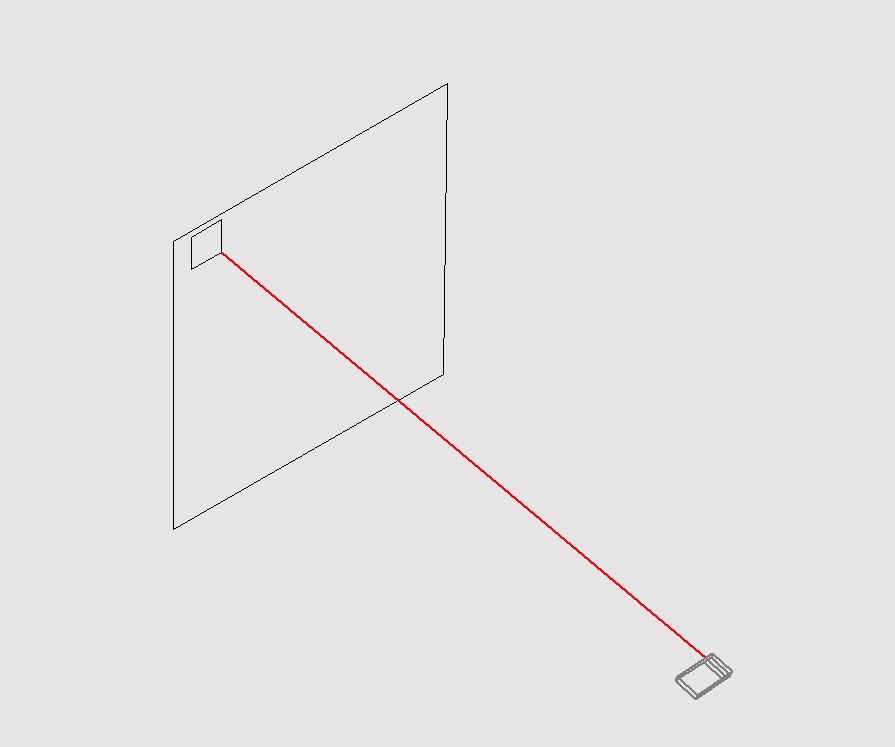
- Plumb CAD points, display message adjusted: The misleading message on the Flexijet display has been removed. Now, as usual, the next step (approaching the angle at a height of 30 mm) can be performed by triggering a measurement.
Enhanced functionality
General operation and stability
- Opening larger files is no longer a problem: The internal process for opening FlexiCAD files has been revised so that files larger than 800 MB can now be opened without any problems.
- Drawing units, consistency guaranteed: When opening a drawing that was created in a different unit of measurement, the drawing is now automatically scaled to the unit of measurement currently set in FlexiCAD. This ensures that you always work in the correct unit of measurement.
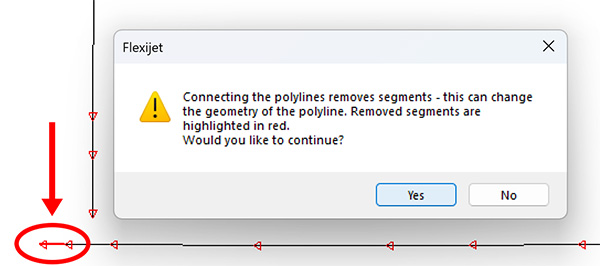
- Optimized repetition of the “Connect Endpoints” function for polylines:
- After the confirmation prompt, the function now remains active when you click “No.” This allows you to repeat the process immediately without restarting the function.
- The Notification Window is now positioned so that it does not cover the polyline, allowing you to see any changes at all times.
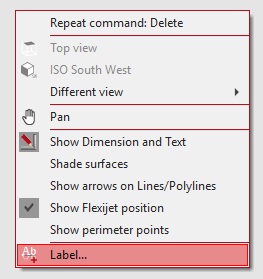
- Chamfering, faster working: The function can now be conveniently repeated by right-clicking in the drawing area.
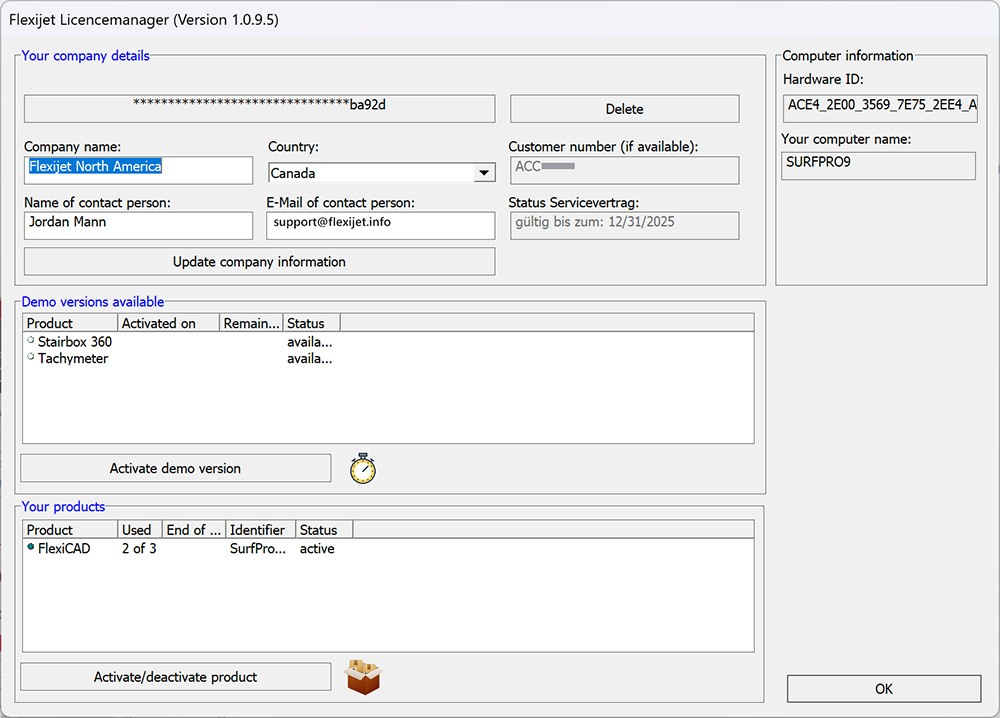
- License Manager, customizable contact person: Customers now have the option to customize the contact person in the License Manager.
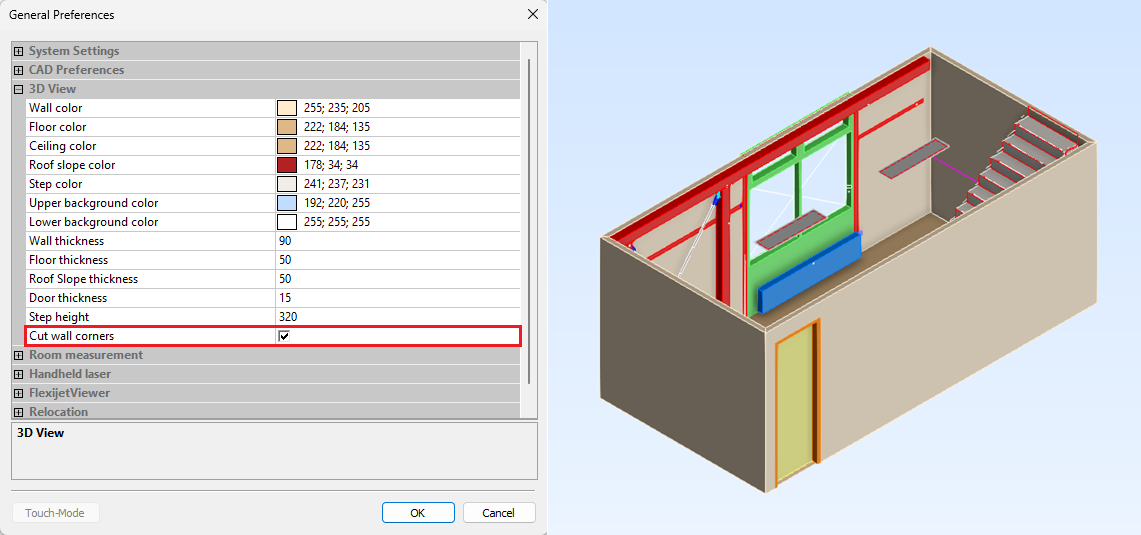
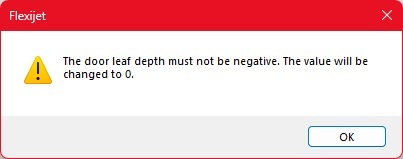
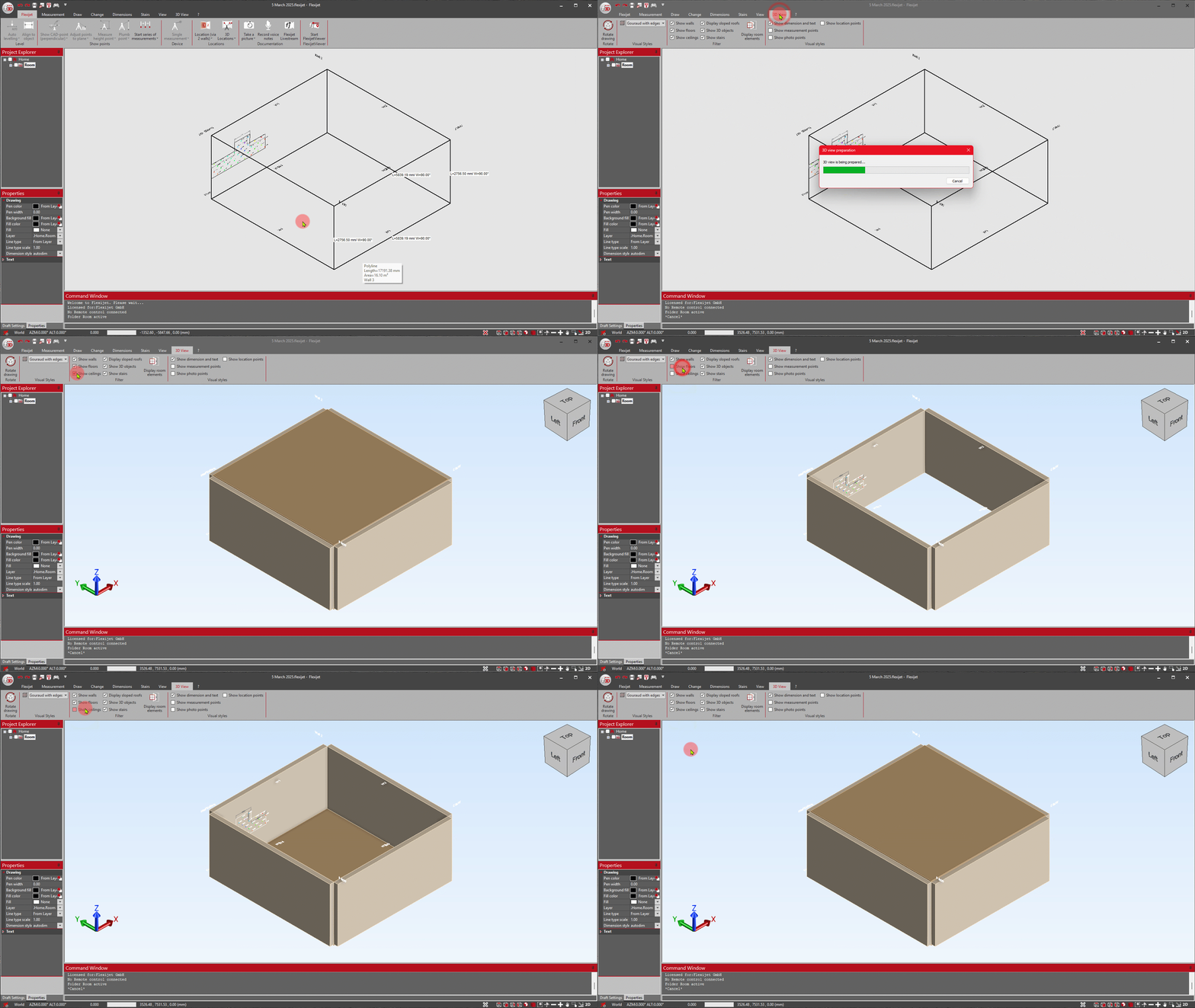
- Prevent negative wall thicknesses: Under the general settings for “3D View,” you can now prevent negative wall thicknesses from being entered.
Measurement and CAD functions
- Measure floorplan, automatic folder creation: If no project folder has been created yet, it will now be created automatically as soon as the “Measure floor plan” function is started.

- Smarter approach to CAD points: The “Show multiple CAD-points/show multiple CAD-points perpendicular” function has been improved and now always selects the point closest to the last point—for a more efficient measurement process.
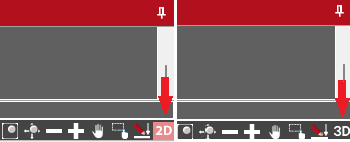
- 2D snap mode, clearer visualization: The icon for 2D snap mode now adapts and displays “2D” to better indicate activation.

- Shower module: New help images and more flexible export
- Various help images have been added to schematically illustrate the input expectations.
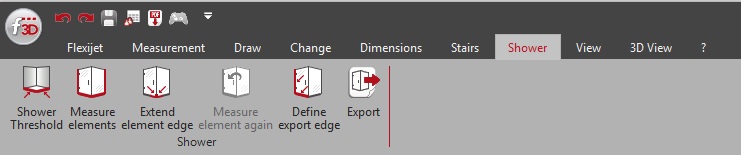
- The export function in the “Shower” tab now allows you to select the folder to be exported, which is very helpful for projects with multiple measured showers.
Interoperability and export
- Export to Compass: Relative image paths
- The path to the images is now specified as a relative path in the Compass XML. This simplifies opening the files, as the image folder no longer needs to be specified manually (Compass software should be kept up to date).
- Crash-proof image imports (staircase measurements): To prevent the image import from crashing if an image is missing, a default image is now inserted. This allows all other images to be imported correctly and the import to be completed.
- Special characters in text, improved AutoCAD export: Texts ending with the ^ (circumflex) character, which could cause an error in AutoCAD, are now automatically appended with a space at the end during export.
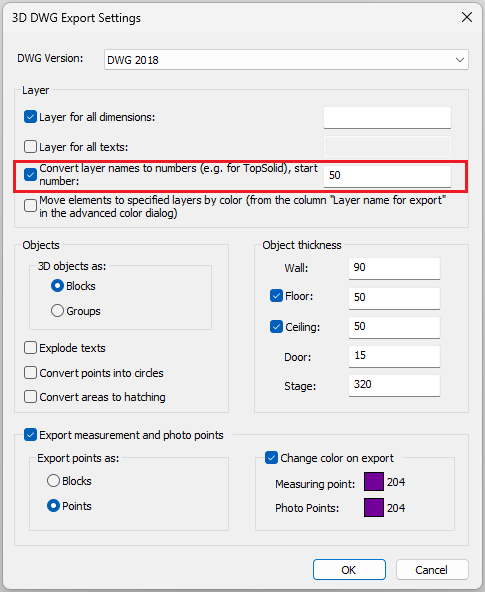
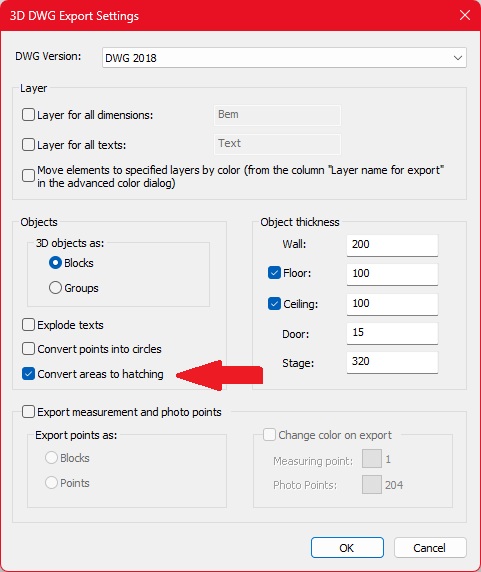
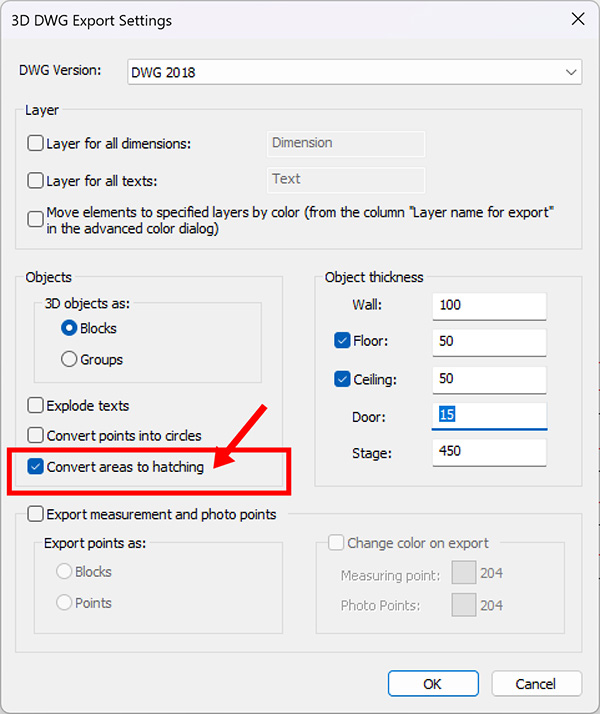
- 3D DWG export, convert layer names to numbers: This function is now also available when exporting a 3D DWG.

- English stair templates added: Stair templates for millimeter and inch settings have been added to the English templates.
New features
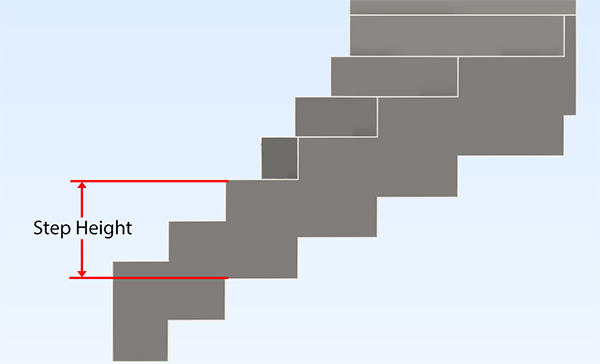
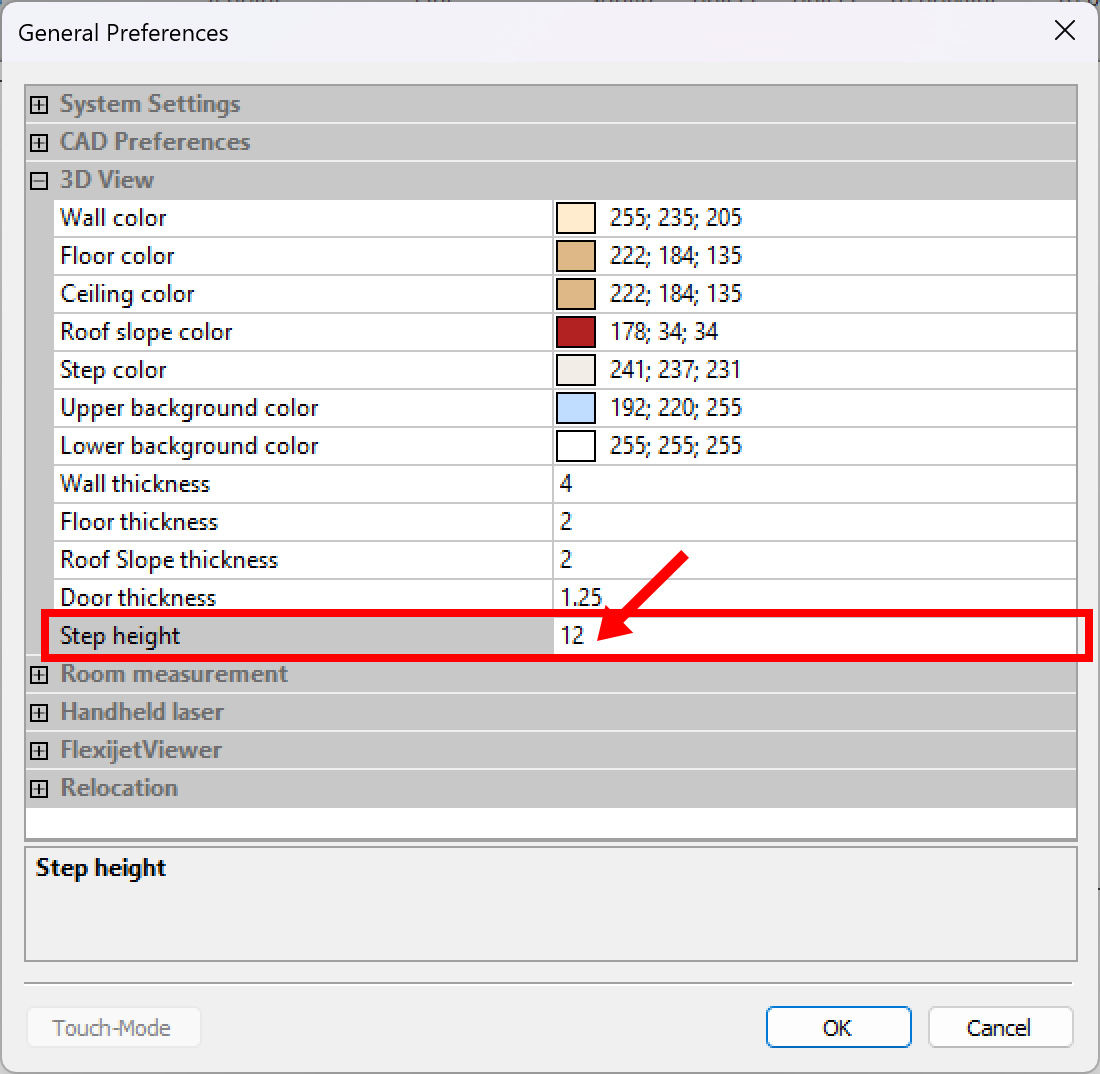
- Stair module, advanced step planning: A new feature is the option to enter a step height that is automatically deducted from the bottom edge of the riser. This makes it easier to create planning-relevant contours for risers.
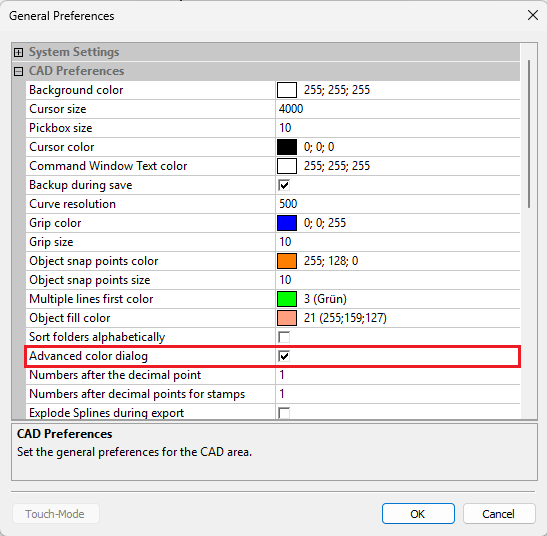
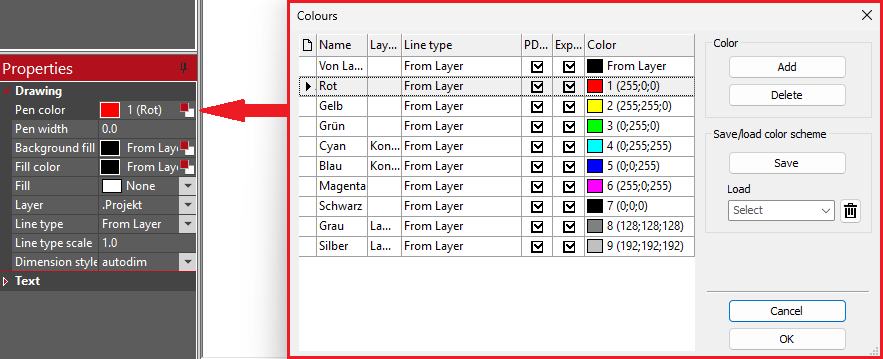
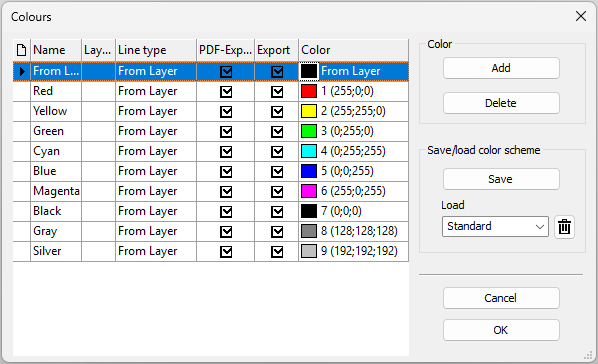
- Advanced color dialog: More export control
- The color dialog now offers additional options for specifying the line type
- A checkbox can be used to control whether objects should be included in the export (e.g., DWG/PDF) or not for each color.

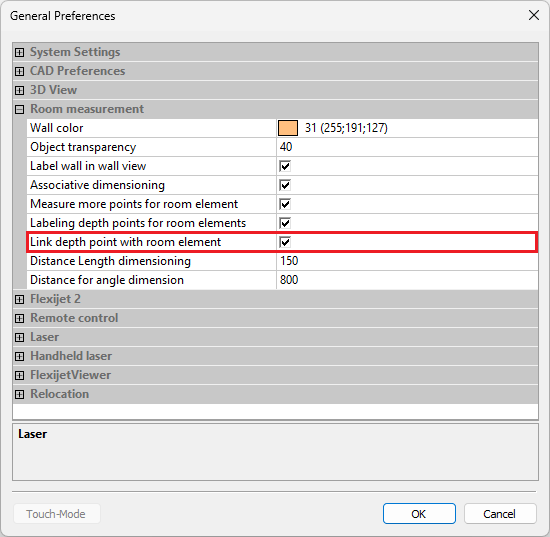
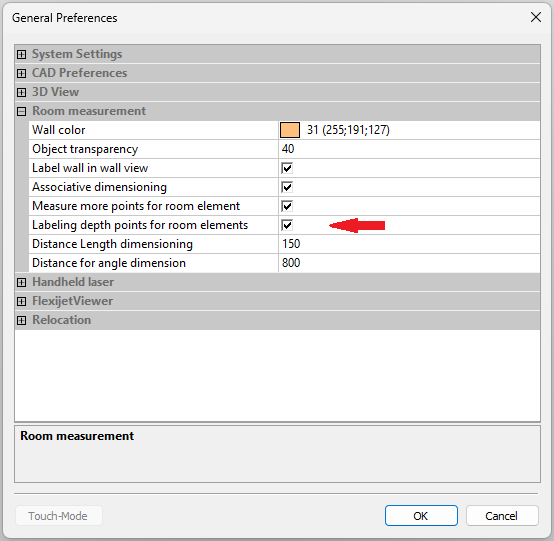
- Depth points as stamps for room elements: This function allows depth points for room elements to be inserted as stamps. This provides important additional information, especially when sharing PDF files.

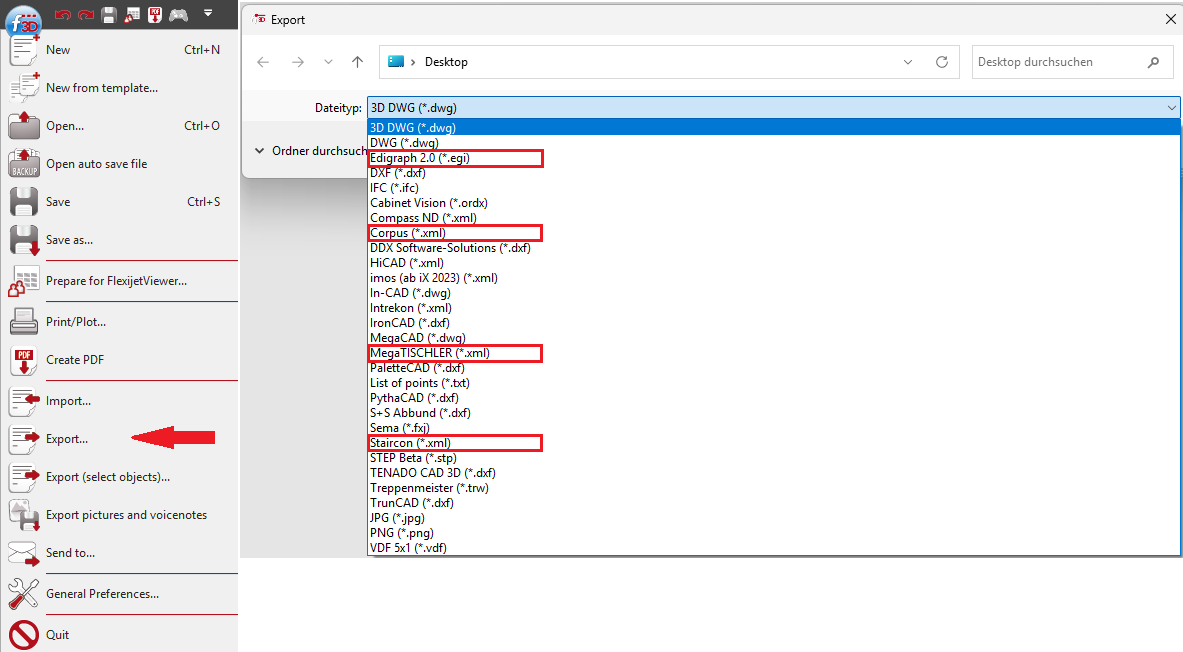
- Extended export to Staircon (.xml): The export has been extended to now also support arcs, circles, points, and element colors (requires FlexiCAD 4.2.0.0 and Staircon version 2025.1).
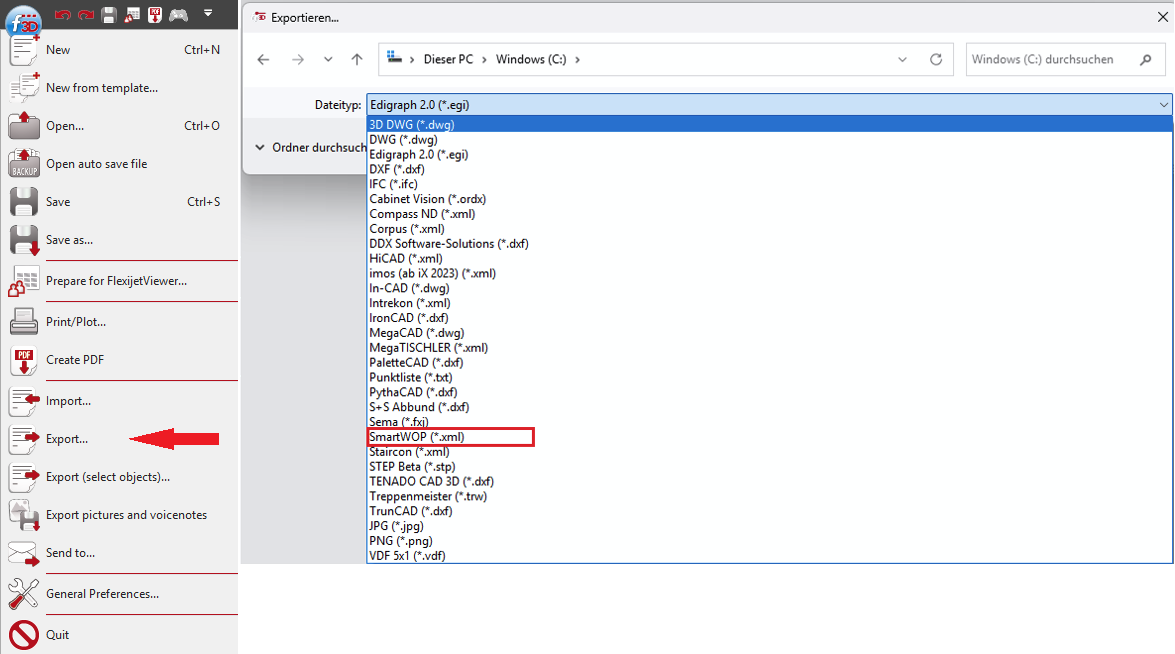
- New export format Corpus (.xml): Exports an XML file for the Corpus software. A separate interface from Corpus is required.
- New export format MegaTISCHLER (.xml): Exports an XML file for the MegaTISCHLER software. A current version of MegaTISCHLER is required.
- New export format EGI (.egi): A new export format .egi has been added, which is mainly used for data transfer to kitchen programs. (Note: Elements such as niches, roller shutter belts, and heating are not usually imported via .egi; an additional dimensioned PDF transfer is recommended).