To show version info, please click on the desired FlexiCAD version.
Download the latest version of FlexiCAD4 here:

To show version info, please click on the desired FlexiCAD version.
Download the latest version of FlexiCAD4 here:
FlexiCAD Version 4.3.5.0 - release date: 06.10.2026
FlexiCAD Version 4.3.4.0 - release date: 26.08.2026
FlexiCAD Version 4.3.3.0 - release date: 04.08.2026
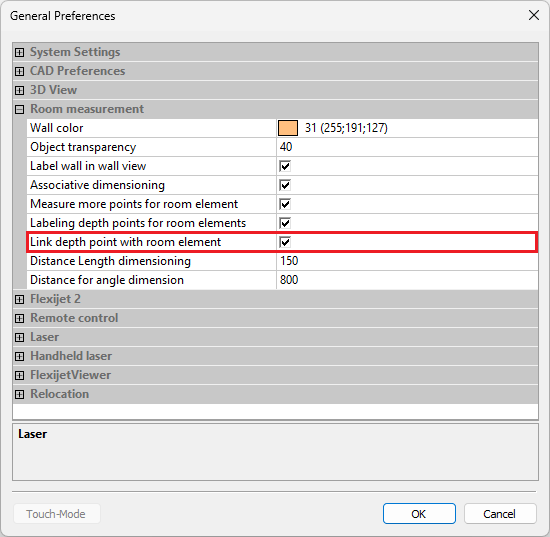
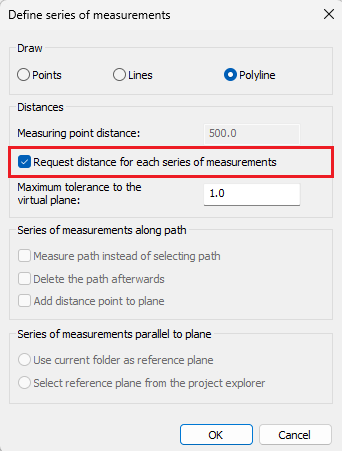
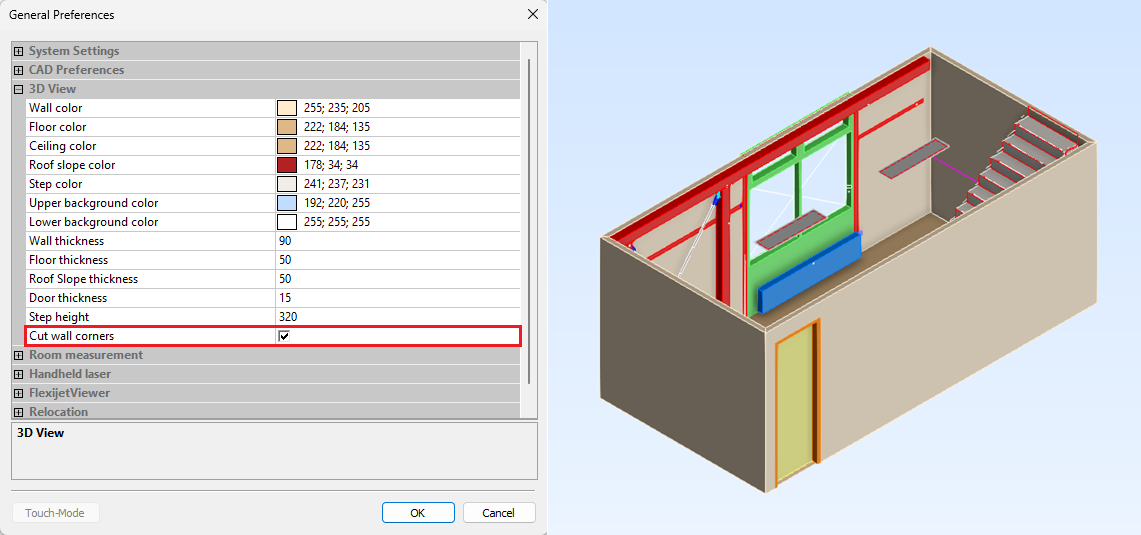
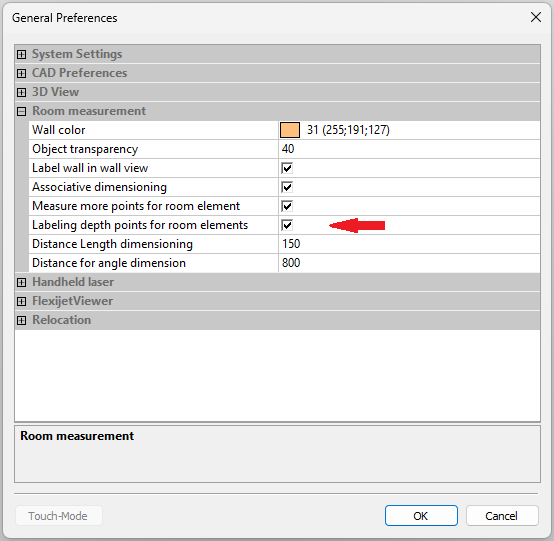
With this update, the processing and display of room elements will be significantly more reliable. At the same time, a new setting provides greater flexibility in handling depth points.
FlexiCAD Version 4.3.1.0 - release date: 07.07.2026
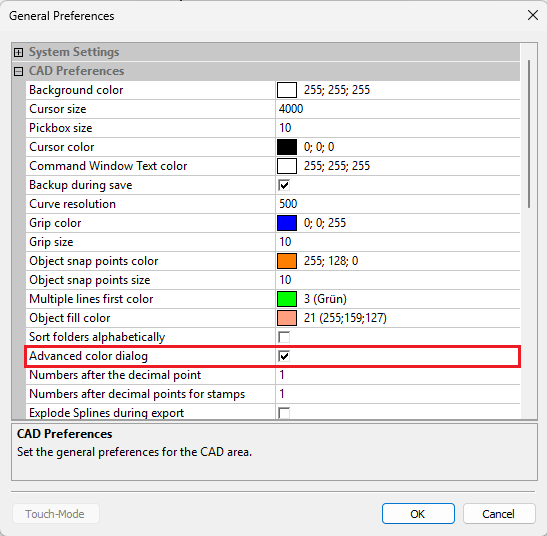
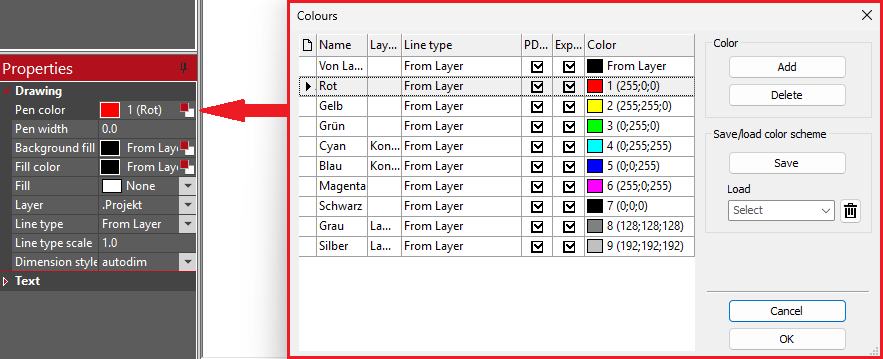
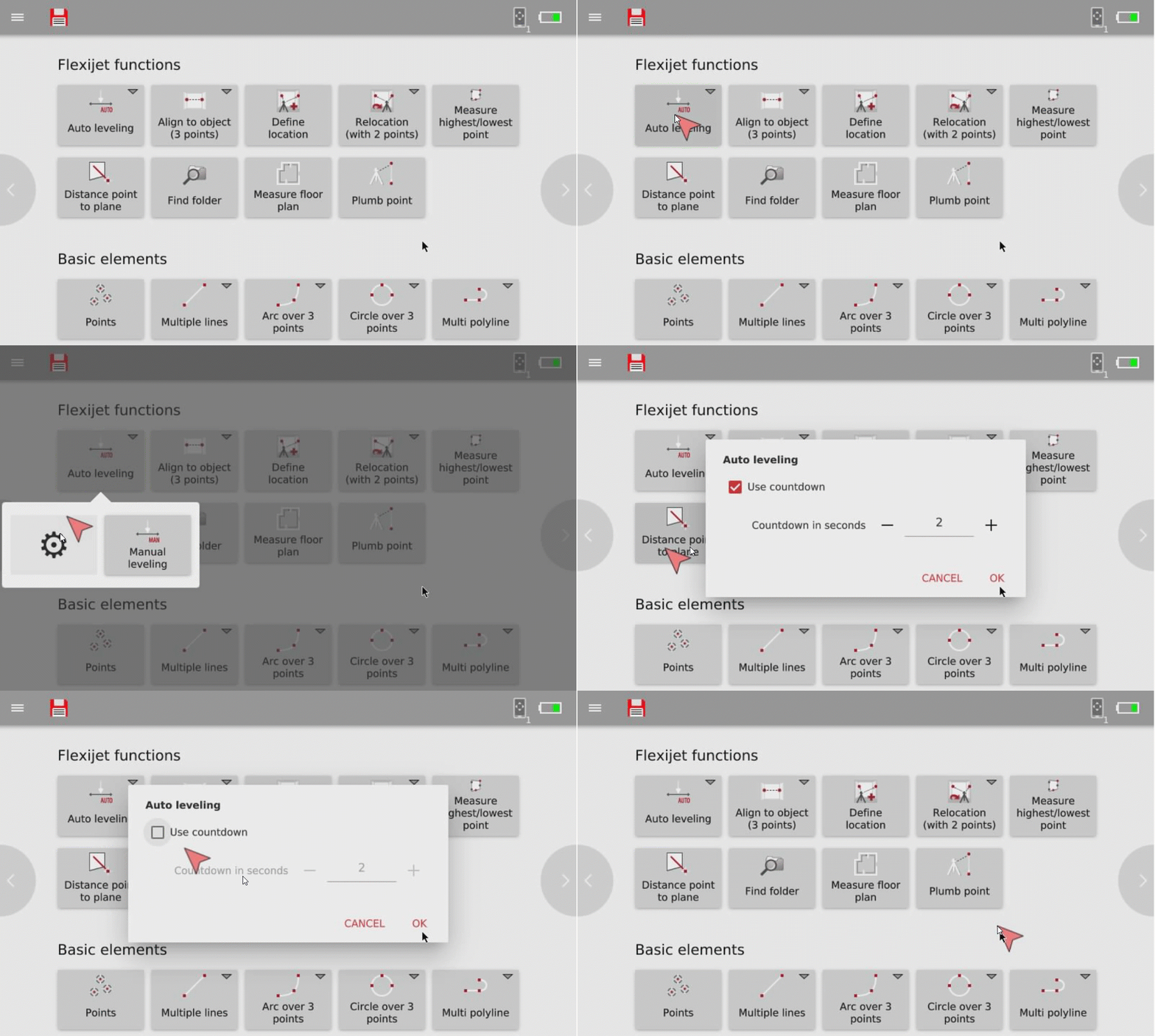
This release features a significantly improved user interface with optimized navigation, new specialized workflows for kitchen measurements, and enhanced PDF output.
FlexiCAD Version 4.2.2.0 - release date: 05.05.2026
In this service update, we have implemented targeted optimizations to export logic and functional reliability to make your workflow even more precise.
FlexiCAD Version 4.2.1.0 - release date: 23.02.2026
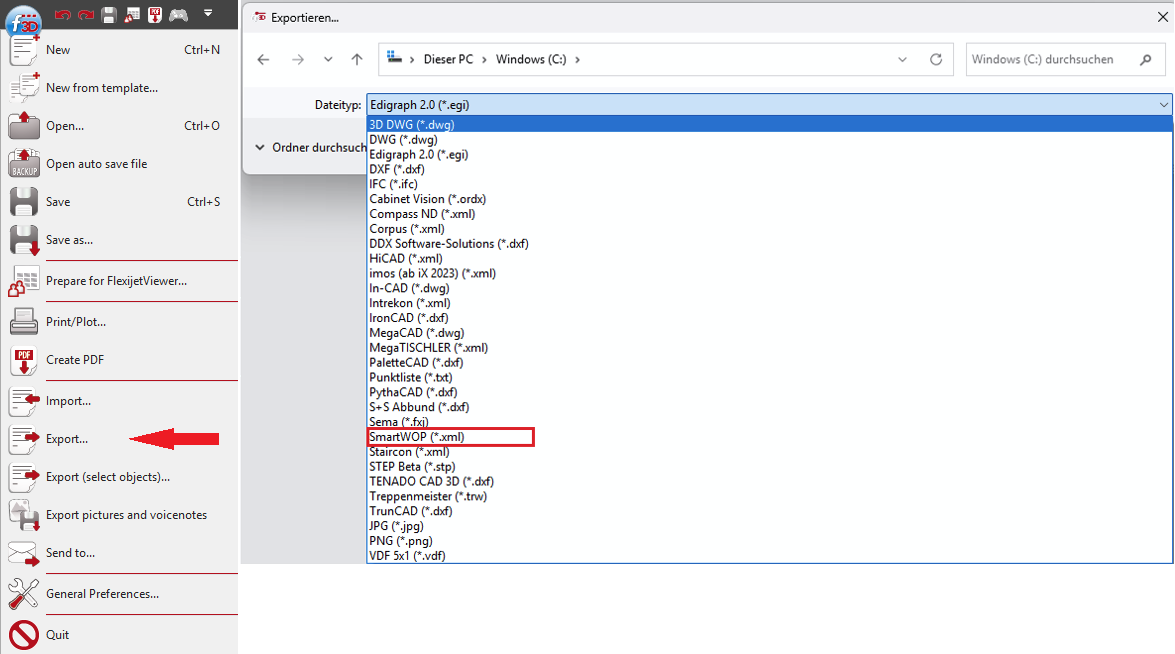
This update expands the interfaces for even smoother data transfer to third-party programs and refines the control of export and display options.
FlexiCAD version 4.2.0.0 - release date: 29.01.2026
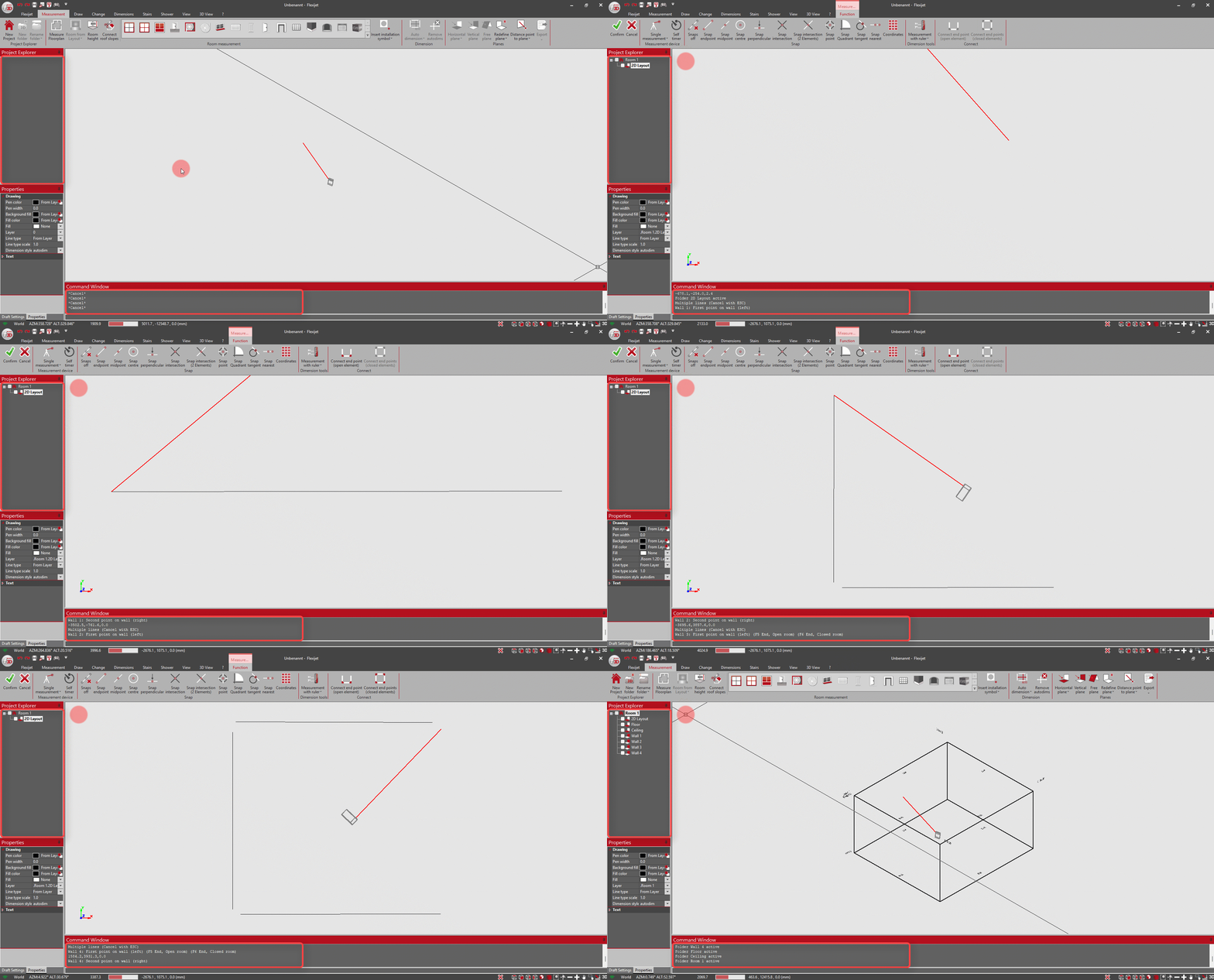
This comprehensive update focuses on expanding functionality, optimizing interoperability with other programs, and further improving stability and user-friendliness.
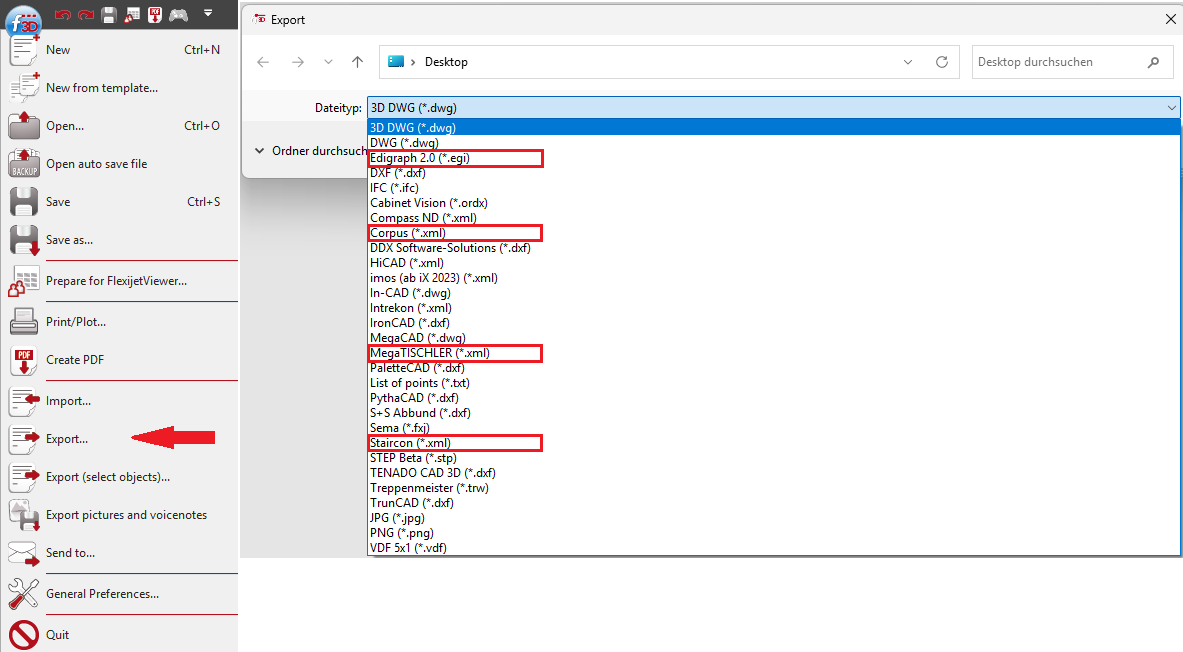
FlexiCAD version 4.0.5.0 – release date: 15.10.2025
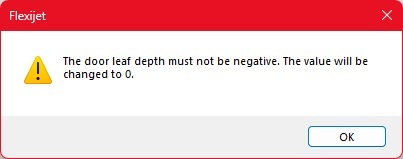
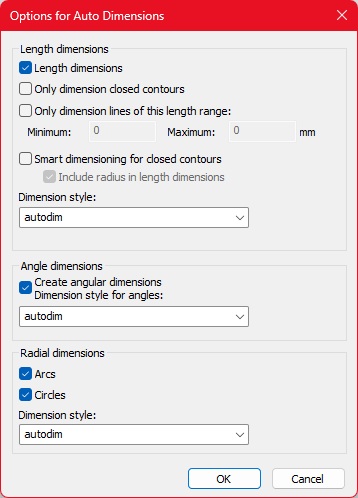
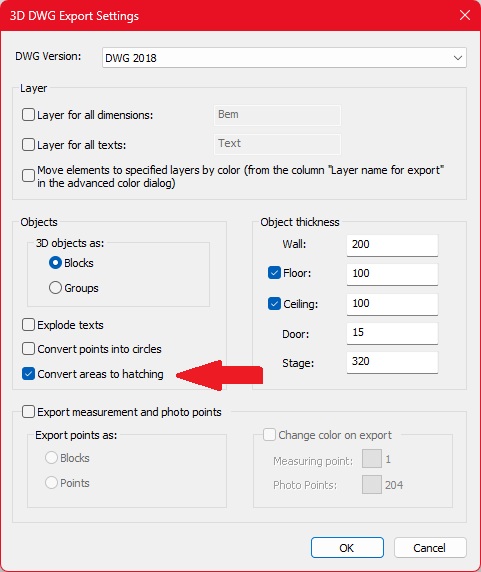
FlexiCAD version 4.0.4.1 – release date: 03.09.2025
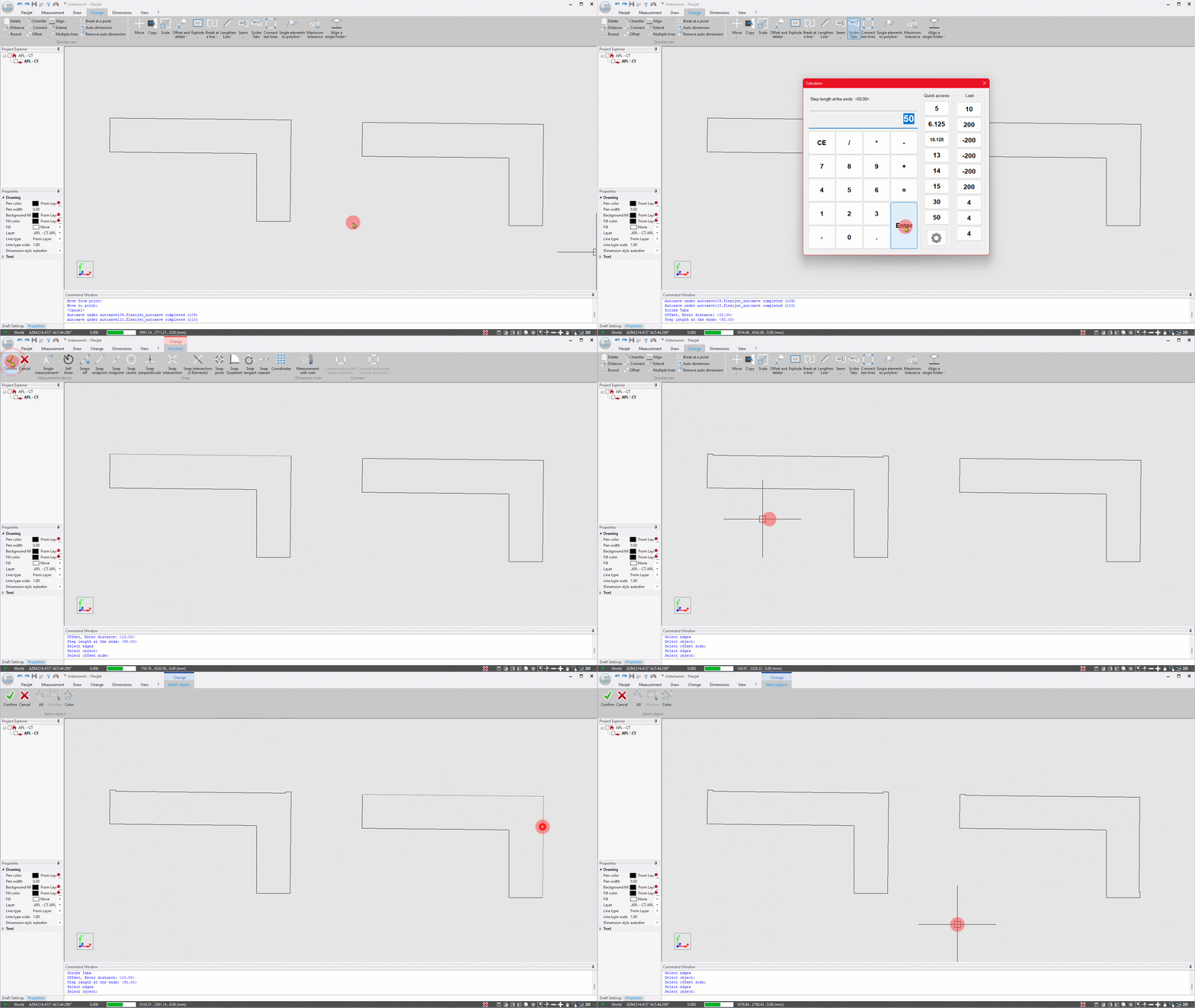
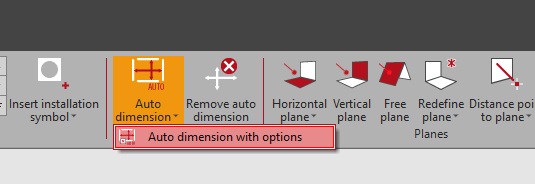
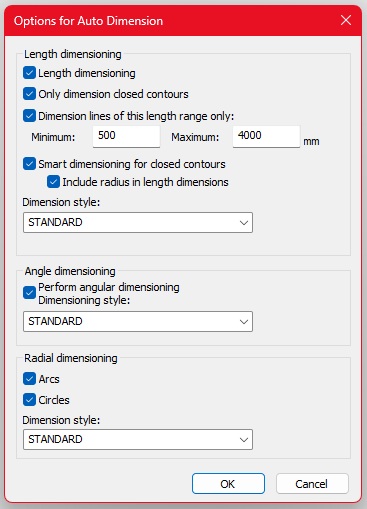
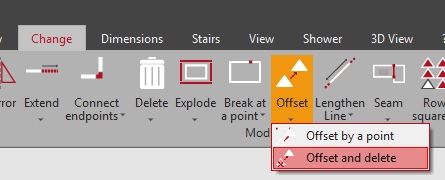
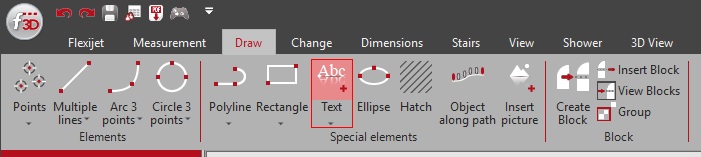
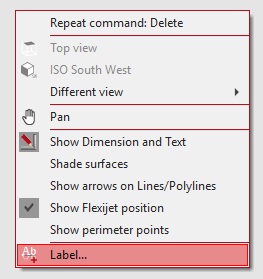
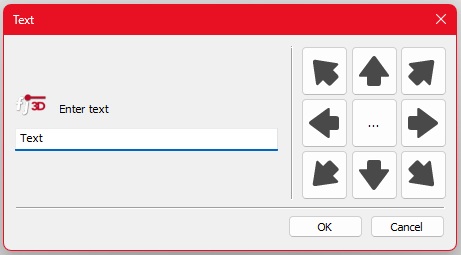
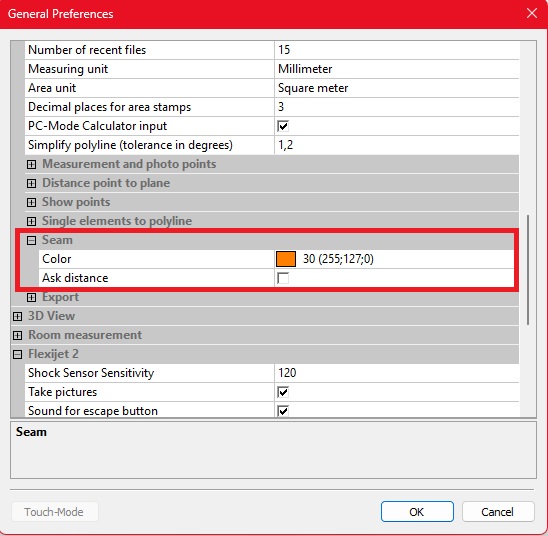
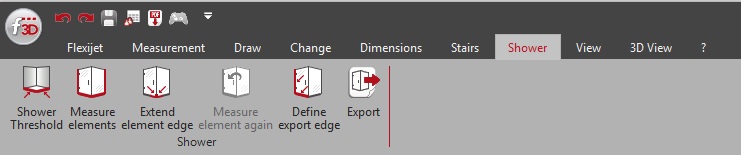
This module makes it possible to quickly and easily capture the relevant contours for a glass shower.
More information here: Manual “Shower”
FlexiCAD version 4.0.3.0 – release date: 29.04.2025
Improved Stability and Reliability:
Improved 3D Display:
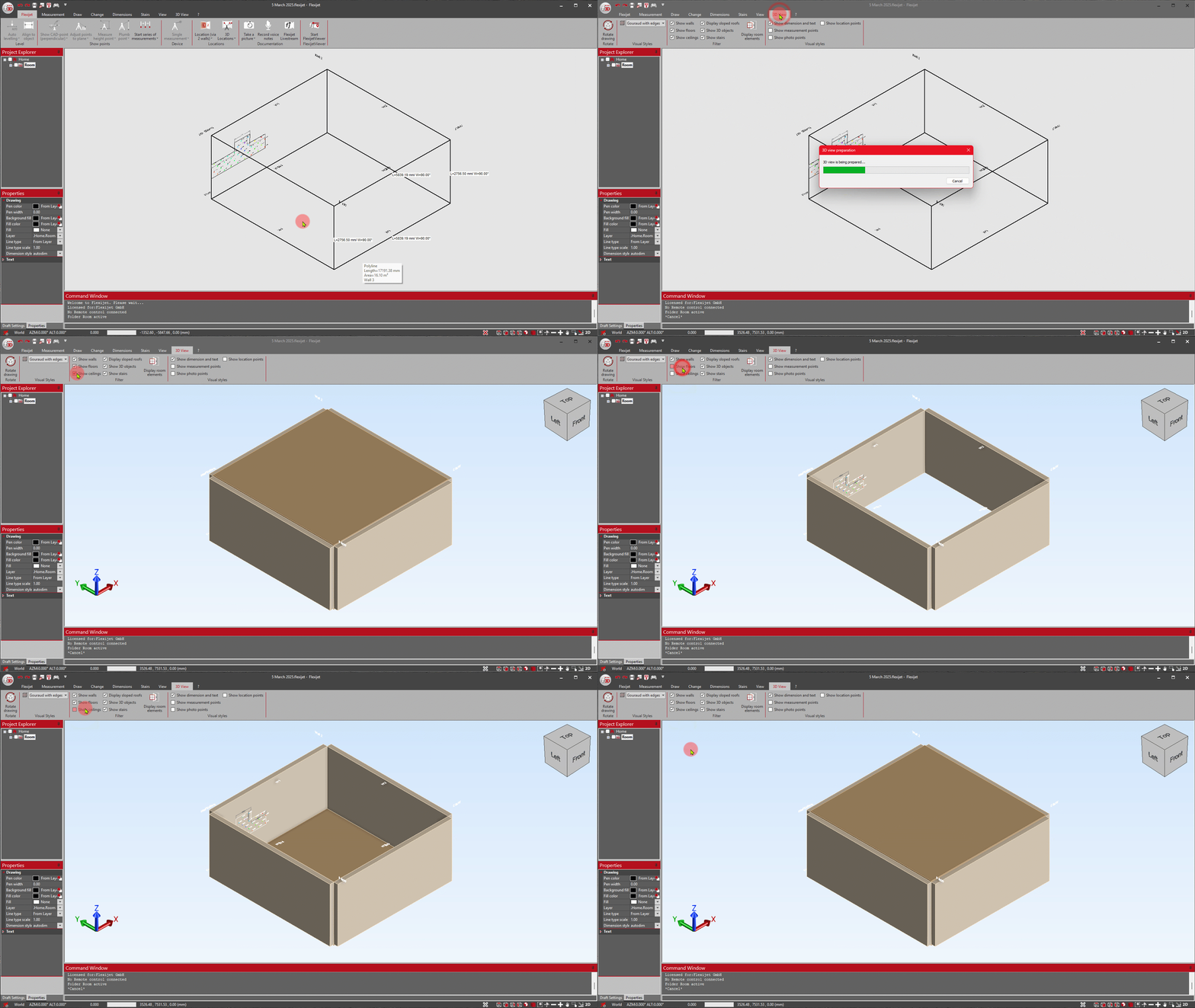
More Reliable Tools:
Enhanced Functionality:
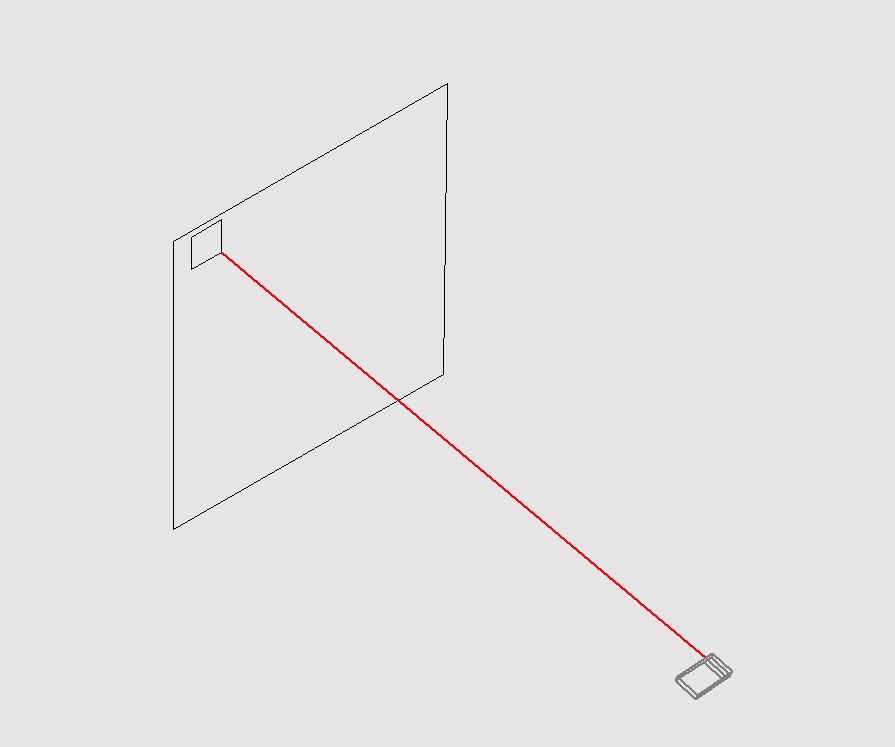
Enhanced Total Station Interface:
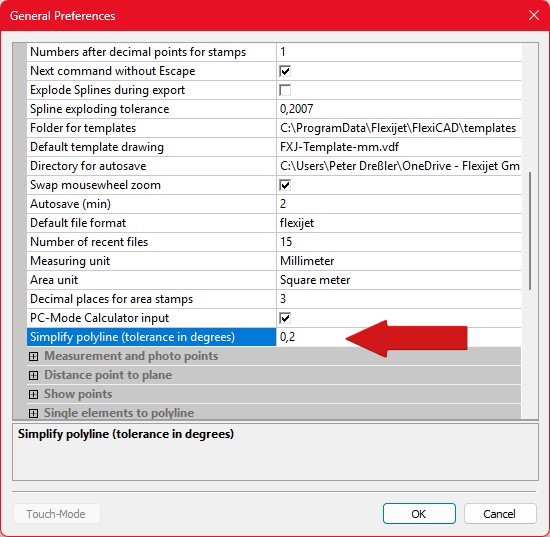
Important: Default for Simplify Polyline:
FlexiCAD version 4.0.2.0 – release date: 01.04.2025
English
Bugfixes:
Improvements:
Features:


FlexiCAD version 4.0.1.0 – release date: 14.11.2024
This update brings important improvements and optimizations to FlexiCAD to make your working experience even more efficient and enjoyable.
FlexiCAD version 4.0.0.0 – release date: 07.10.2024
FlexiCAD:
Flexijet:
Flexijet Smart Remote App:
FlexiCAD:
Flexijet:
FlexiCAD:
Flexijet: